Dodo Payments license keys in a Chrome extension
Dodo Payments can sell your extension, collect the tax and email the buyer a license key. Its license endpoints are public: Dodo’s docs say they need no API key and can be called from client apps, so the extension can check the key itself and nothing secret ships with it. Below is how they work, with the code we use in Keyturn Kit. The endpoint details come from Dodo’s API reference on 27 October 2026.
The code on this page comes from Keyturn Kit, a WXT + React starter: the free edition is MIT on GitHub, and Pro ($59 once) adds Polar, Dodo Payments, Gumroad, Payhip and trials.
Hosts
Live purchases use https://live.dodopayments.com, test-mode purchases https://test.dodopayments.com. Add both to host_permissions in your manifest. Dodo’s code samples send a bearer token, but the endpoints are documented as public; leave your API key out of the extension.
Activate once, when the key is pasted
POST /licenses/activate takes the key and a name for this install:
const res = await fetch('https://live.dodopayments.com/licenses/activate', {
  method: 'POST',
  headers: { 'Content-Type': 'application/json' },
  body: JSON.stringify({ license_key: key, name: `Chrome ${crypto.randomUUID().slice(0, 8)}` }),
});
A successful response (201) has an instance id such as lki_.... Store it with the key; later checks need it. The errors are distinct, so you can tell the user what happened: 403 means the key is inactive, 404 that it doesn’t exist, and 422 that it has used up its activations.
The check Dodo leaves to you
The activate response also has business_id, and that’s the field to compare with your own. Without it, a key bought from any other seller on Dodo activates fine, because the license endpoints don’t ask which business you are. Do the comparison here, at activation, because validate doesn’t return it:
const data = await res.json();
if (data.business_id !== MY_BUSINESS_ID) throw new Error('This key belongs to a different store');
If you sell more than one product, compare data.product.product_id too.
Validate later, once a day
POST /licenses/validate takes the key and the license_key_instance_id you stored, and returns one field, valid. When it comes back false, lock Pro. That’s how a key you disable after a refund stops working: at the next daily check.
Network errors, 429 and 5xx responses aren’t an answer about the key. Keep the last good result for a while instead of locking a paying user out. Keyturn Kit allows 7 days after the last good check.
Doing it with Keyturn Kit
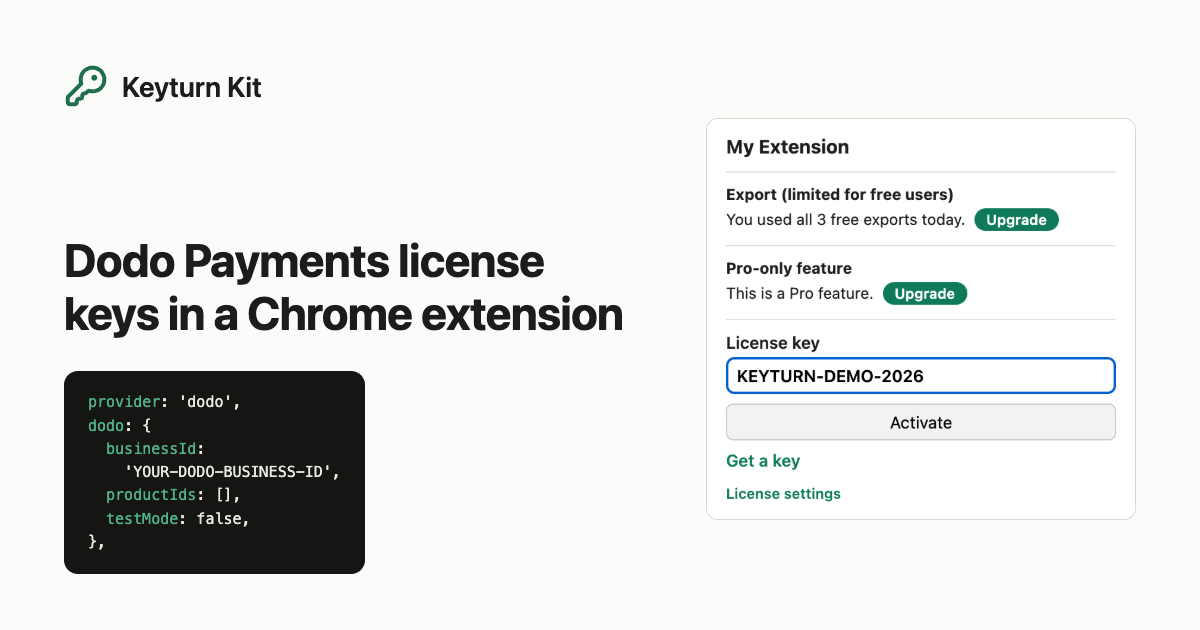
Keyturn Kit is a WXT + React starter that does all of the above, including the business_id check. The free edition (MIT, on GitHub) uses Lemon Squeezy. Dodo Payments, Polar, Gumroad and Payhip come with Pro ($59 once), where switching provider means changing provider in lib/config.ts and filling in that provider’s block and your checkoutUrl:
provider: 'dodo',
dodo: { businessId: 'YOUR-DODO-BUSINESS-ID', productIds: [], testMode: false },
There’s a guide for Polar license keys too, and the step-by-step for the free edition is Selling a Chrome extension with license keys, no backend.