Polar license keys in a Chrome extension
Polar can sell your extension and email the buyer a license key. The extension can then check that key itself, because Polar has license endpoints meant for public clients: they need no access token, so nothing secret ships in the extension. Below is how they work, with the code we use in Keyturn Kit. The endpoint details come from Polar’s API reference on 27 October 2026.
The code on this page comes from Keyturn Kit, a WXT + React starter: the free edition is MIT on GitHub, and Pro ($59 once) adds Polar, Dodo Payments, Gumroad, Payhip and trials.
Two sets of endpoints, use the customer-portal ones
Polar has /v1/license-keys/..., which needs an organization access token and is for servers, and /v1/customer-portal/license-keys/..., which needs no token. Polar’s docs say the second set “can be safely used on a public client”, so that’s the one an extension calls. Never put an organization access token in an extension; anyone can unzip it.
The hosts are https://api.polar.sh and, for sandbox purchases, https://sandbox-api.polar.sh. Add both to host_permissions in your manifest.
Activate once, when the key is pasted
POST /v1/customer-portal/license-keys/activate takes the key, your organization_id and a label for this install:
const res = await fetch('https://api.polar.sh/v1/customer-portal/license-keys/activate', {
  method: 'POST',
  headers: { 'Content-Type': 'application/json' },
  body: JSON.stringify({
    organization_id: ORG_ID,
    key,
    label: `Chrome ${crypto.randomUUID().slice(0, 8)}`,
  }),
});
A 200 response has an id. That’s the activation id: store it next to the key, because you pass it on every later check. The response also carries license_key.status, expires_at and the limits.
A 403 means the key is revoked, disabled, expired or has used up its activations. Polar returns the same NotPermitted error for all of these, with the reason in detail. Log detail for yourself and show the user a short sentence of your own; Keyturn Kit does it this way, with the raw text in the console and a fixed message on screen. A 404 means Polar doesn’t know the key.
Activations only exist if the license key benefit has an activation limit. Without one, Polar answers this call with a 403, “This license key does not support activations. Use the /validate endpoint instead to check license validity.” Then validate the key directly, without an activation_id. Polar has nothing to count in that mode, so the key works in any number of browsers and the limit is not enforced.
Keyturn Kit handles both. With an activation limit it activates once per browser. Without one it falls back to validate on that exact 403 and keeps working.
Validate later, once a day
POST /v1/customer-portal/license-keys/validate takes the key, organization_id and the activation_id you stored. A 200 means the key is good. A 404 covers a missing key and also a key that has been revoked, disabled or expired, or an activation that doesn’t match, so treat any 404 as “lock Pro”.
Because organization_id is part of every call, a key sold by another Polar seller is rejected by Polar itself. With Lemon Squeezy you have to compare the store id yourself; with Polar you don’t.
When Polar can’t be reached
Network errors, 429 and 5xx responses aren’t an answer about the key. Keep the last good result and let the user carry on for a while. Keyturn Kit allows 7 days after the last good check before locking Pro, so a laptop on a plane doesn’t lose what its owner paid for.
Refunds
Revoke or disable the key in Polar after a refund. The next daily validate returns 404 and the extension locks Pro.
Doing it with Keyturn Kit
Keyturn Kit is a WXT + React starter that does all of the above. The free edition (MIT, on GitHub) uses Lemon Squeezy. Polar, Dodo Payments, Gumroad and Payhip come with Pro ($59 once), where switching provider means changing provider in lib/config.ts and filling in that provider’s block and your checkoutUrl:
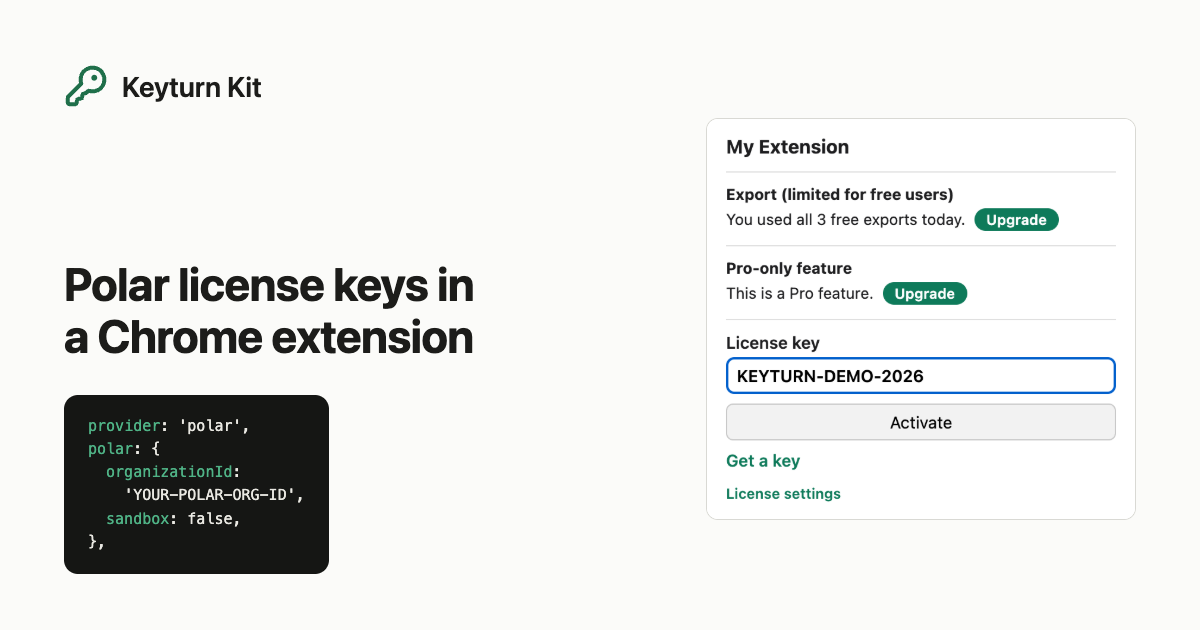
provider: 'polar',
polar: { organizationId: 'YOUR-POLAR-ORG-ID', sandbox: false },
Pro also adds a free trial counted from install and a number of free uses per day before the paywall. The step-by-step guide for the free edition is Selling a Chrome extension with license keys, no backend.