Gumroad license keys in a Chrome extension
Gumroad can sell your extension and give each buyer a license key. Its verify endpoint needs no access token, and Gumroad’s own help says you can call it from the browser, so the extension can check the key itself. Below is how it behaves, with the code we use in Keyturn Kit. The details come from Gumroad’s license keys help article and from Gumroad’s source code (it’s open source), read on 27 October 2026.
The code on this page comes from Keyturn Kit, a WXT + React starter: the free edition is MIT on GitHub, and Pro ($59 once) adds Polar, Dodo Payments, Gumroad, Payhip and trials.
Turn license keys on
In Gumroad, open the product’s content page, choose Insert and add a License key block. While you edit, the block shows the product’s ID. Copy it, because every verify call needs it. Gumroad requires product_id for products created on or after 9 January 2023; the older product_permalink only works for older products.
Add https://api.gumroad.com/* to host_permissions in your manifest.
One endpoint, called two ways
There’s a single public call, POST https://api.gumroad.com/v2/licenses/verify, with form fields:
const res = await fetch('https://api.gumroad.com/v2/licenses/verify', {
  method: 'POST',
  headers: { 'Content-Type': 'application/x-www-form-urlencoded' },
  body: new URLSearchParams({
    product_id: PRODUCT_ID,
    license_key: key,
    increment_uses_count: 'true', // 'false' for the daily re-check
  }),
});
A good key answers 200 with success: true, a uses count and a purchase object. A key Gumroad doesn’t know for this product, a disabled key, or a purchase whose access was revoked answers 404 with success: false and a message you can show the user.
Because the key is looked up inside your product_id, a key bought for someone else’s product is rejected by Gumroad itself.
No activations, only a counter
Lemon Squeezy, Polar and Dodo let a key be activated on a set number of devices. Gumroad doesn’t. Every verify call adds 1 to uses unless you send increment_uses_count=false, and lowering it takes your access token, so in practice only you do it, from the sale in your Gumroad dashboard.
So count once, when the key is pasted, and compare uses with the number of browsers you allow. Re-check later with increment_uses_count=false, or a daily check would use up the key within a week. A reinstall counts as a new use, so leave some room.
Refunds and ended memberships don’t disable the key
Gumroad keeps answering 200 for a refunded purchase. Its help article says the key stays enabled until you disable it. What changes is the purchase.
refundedorchargebackedis true after a refund or chargebackdisputedis true while a payment is disputed, anddispute_wontells you if you won it- for memberships,
subscription_ended_at,subscription_cancelled_atandsubscription_failed_athold the date access ends, and go back to null if the membership renews
Check these on every verify and lock Pro yourself. Keyturn Kit treats refunded, charged back and lost disputes as disabled, and any of the three dates in the past as expired.
Nothing secret in the extension
Disabling a key or lowering its count goes through Gumroad’s OAuth API with your access token. That token must never ship in an extension; anyone can unzip one. Keep those actions in your dashboard. In the extension, “remove key” can only forget the key in that browser.
When Gumroad can’t be reached
Network errors, 429 and 5xx responses aren’t an answer about the key. Keep the last good result for a while. Keyturn Kit allows 7 days after the last good check before locking Pro.
Doing it with Keyturn Kit
Keyturn Kit is a WXT + React starter that does all of the above. The free edition (MIT, on GitHub) uses Lemon Squeezy. Gumroad, Payhip, Polar and Dodo Payments come with Pro ($59 once), where switching provider means changing provider in lib/config.ts and filling in that provider’s block and your checkoutUrl:
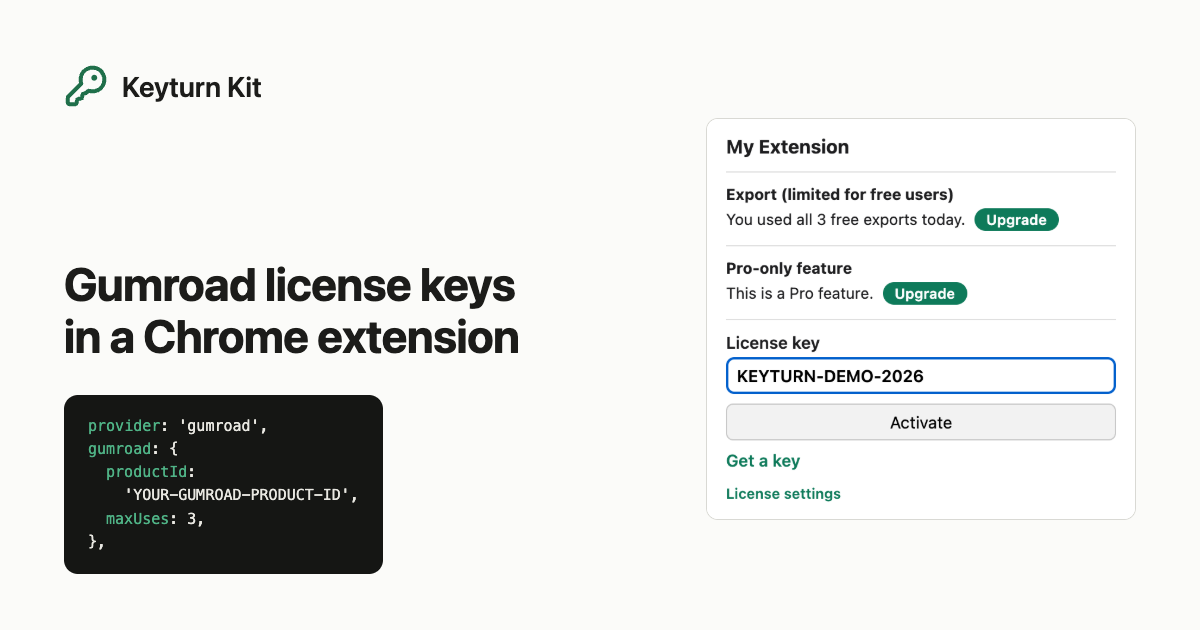
provider: 'gumroad',
gumroad: { productId: 'YOUR-GUMROAD-PRODUCT-ID', maxUses: 3 },
Pro also adds a free trial counted from install and a number of free uses per day before the paywall. The step-by-step guide for the free edition is Selling a Chrome extension with license keys, no backend. If you would rather pay through Gumroad, Pro is on Gumroad too.