Framer is checking a new version of Blog Import, so its Marketplace page is offline for now. Need your blog moved before it's back? Email us and we'll help.
Blog Import for Framer
A Framer plugin for leaving WordPress, Squarespace, Substack, Ghost, Medium, Blogger, Webflow or Hashnode. It reads the export file, moves the blog into Framer CMS, copies the images into Framer and adds a redirect for each old post address, so the blog keeps working after you cancel the old site. Run it while the old site is still up, so the images can be fetched.
Keeping a WordPress site online and syncing from it? A live-sync plugin may suit you better; the comparison shows which.
In this 34-second run the plugin reads wordpress.org/news, imports the newest 25 posts and copies 147 images into Framer.
Open in the Framer Marketplace
Blog Import launched on Product Hunt on 28 October. Questions there get an answer the same day.
What it reads
Not sure what your export holds? The free blog export inspector reads it in your browser and shows the posts, drafts, images and old addresses inside. If you only want a CSV for Framer’s CMS import, the free XML to CSV converter makes one in your browser.
- A Squarespace export file, from Import & export (Squarespace writes it in WordPress format)
- A WordPress export file, or just the address of a live WordPress site
- A Blogger backup file
- The zip Medium sends from “Download your information”
- A Ghost export file, from Settings, Migration tools, Export. Type the old blog address so images written as
__GHOST_URL__can be fetched, or choose a zip of the content/images folder if the site is gone (see the Ghost guide) - The zip Substack sends from Settings, Exports
- A Hashnode backup from its GitHub backup repository
- A CSV of the blog collection from Webflow’s CMS
What you get in Framer
Each post arrives with its title, slug, date, cover image, excerpt and body. Authors, categories and tags become their own collections, linked from each post; on Framer Basic, where four collections is too many, they can stay inside each post instead. Drafts stay drafts. YouTube and Vimeo embeds become video blocks, including Squarespace video blocks. If a Vimeo block shows “Unable to resolve ‘@vimeo/player’” in the CMS, add a Vimeo element to any page once (Insert, Media, Vimeo) and reload the tab. Framer loads its video player per project, and you can delete the element afterwards. On Framer Pro or higher, each old post address gets a redirect to the new one.
Want to see it work before your own export is ready? Type keyturnkit.github.io/samples/slack-tide where the plugin asks for a WordPress address. It reads 16 sample posts with covers and a category, and they import into a new collection in about a minute.
Run it again later and existing posts are updated, not duplicated.
It doesn’t import comments, pages, WordPress custom post types or WooCommerce products.
Price
The newest 25 posts import free, so you can see the result on your own blog first. To import all of them, a license is $29 for one Framer project or $59 for any number, paid once through Polar. After paying you get a key; this page shows how to turn it into the license code the plugin asks for.
Buy a license on Polar. Choose $29 for one project or $59 for any number on the checkout page. You can buy before installing the plugin.
Prefer Gumroad? The same licenses are there: $29 for one project or $59 for any number. The key from Gumroad goes on the same code page.
Rather not run it yourself? Email us and we’ll see how we can help.
The Framer pricing link on this page is our referral link. If you start a new Framer account through it, Framer pays us a share of the first year; the price is the same for you.
A template made for it
Back Issue is our magazine-style blog template for Framer, built around what Blog Import writes. Import your posts with “2 collections, Blog and categories” and the home page, post pages and category pages fill in with your own years, covers and categories. It runs on Framer Basic. $69 once, with a full refund within 14 days. More about Back Issue.
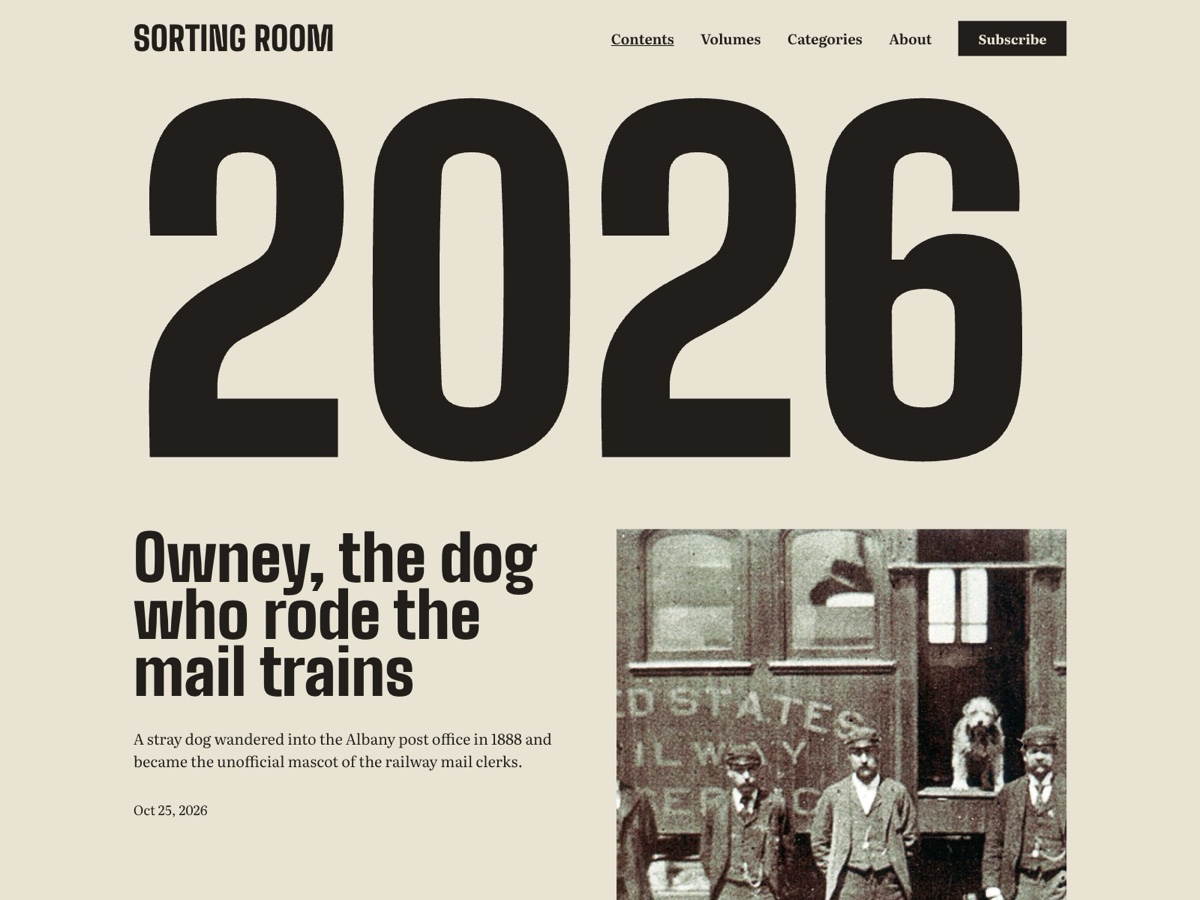
For a newsletter or photo blog there is also Slack Tide, a free archive template: a grid of issues and a reading page for each, filled with “1 collection, everything inside each post”. If the letter is mostly words, Paper Route is the free text-only version.
Wedding and portrait photographers moving a Showit or WordPress journal can use Second Shooter: every story opens on a full-width cover with its photos large in the text column. $69 once.
Questions
Does it work on Framer Basic?
Yes. Framer Basic allows 2 collections. Choose “2 collections, Blog and categories” on the review screen to keep categories as their own linked collection, or 1 collection to keep authors, categories and tags inside each post.
Does it copy my images?
Yes. The plugin copies the images in your posts and each cover image into Framer, so they stay when the old site is gone. Run it while the old site is still online, because that is where the images are fetched from.
What if my old site is already gone?
The posts still import from your export file, but the images can’t be fetched. Any image that can’t be copied keeps its old address and only shows while that site is online. The result screen says how many there were.
Do I need Framer Pro?
Not to import. Redirects from your old post addresses need Framer Pro or higher. On other plans the results screen has “Copy redirects as CSV”, a list of old and new addresses you can add later or use elsewhere.
What happens if I run it again?
Existing posts are updated, not duplicated. You can import again after you publish more on the old site.
What does a license cover?
The newest 25 posts import free. A license imports all of them. $29 covers one Framer project; its key can make 3 license codes, so you can set it up again after reinstalling. $59 covers any number of projects.
Where do I buy, and how do I get my code?
You can buy on Polar or on Gumroad at the same prices. Either way you get a key, paste it on the license code page, and paste the code it gives you into the plugin. The thanks page has the steps.
Can I get a refund?
Yes. If it doesn’t work for you, email proj.seedsmesh@gmail.com within 14 days of buying for a full refund.
Does it import comments or pages?
No. It imports blog posts with their authors, categories and tags. Comments, pages, WordPress custom post types and WooCommerce products are not imported.
Guides
- Blogger to Framer: moving a Blogspot blog with its images and old links
- Exporting your Medium posts: what the zip contains
- Five free Framer blog templates, and what their CMS expects
- Framer CMS CSV import: when images don't come across
- Framer CMS limits for a blog: which plan fits how many posts
- Framer's AI Agent or an import plugin for your blog?
- Ghost to Framer: moving a blog from the export file
- Importing a blog with Framer's CSV Import plugin
- Keeping old blog links working after moving to Framer
- Leaving WordPress.com after the Automattic shake-up: export your blog and keep your links
- Medium to Framer: moving your stories into Framer CMS
- Moving a Hashnode blog to Framer
- Moving a Showit blog to Framer
- Moving a Squarespace photography blog to Framer
- Moving a Substack to Framer
- Moving a Webflow blog to Framer
- Moving a Wix blog to Framer
- Moving a blog to Framer: the import plugins compared
- Squarespace Import or Blog Import: moving a Squarespace blog to Framer
- Squarespace renewal went up? Check Core first, then how a blog moves to Framer
- Squarespace to Framer: moving a blog without losing images or links
- Webflow's 16 November price change: keep your price, or move the blog to Framer
- What it costs to move a blog to Framer
- What's inside a Squarespace blog export
- WordPress to Framer: moving a blog, with its images and old links